Look for it under that title… I made 2 of the presentations during the second half of the program, which was held at the Hameetman Auditorium at Cal Tech, Pasadena, CA last Saturday.
It will be posted in 4 parts.
I have been asked to return to Cal Tech, to speak at an upcoming Environmental Sciences Conference in the first quarter of 2014.
I’m completing a corresponding slide show for my presentation at this event, sponsored by Organizing for Action, to address solutions to mitigate the effects of climate change. I will also be covering the event with HD video, using the Canon 5D III camera.
For more information, please write or call. My cell is (951)-255-9568.
Posted in Reviews, Video on October 5, 2013 by William Hooks
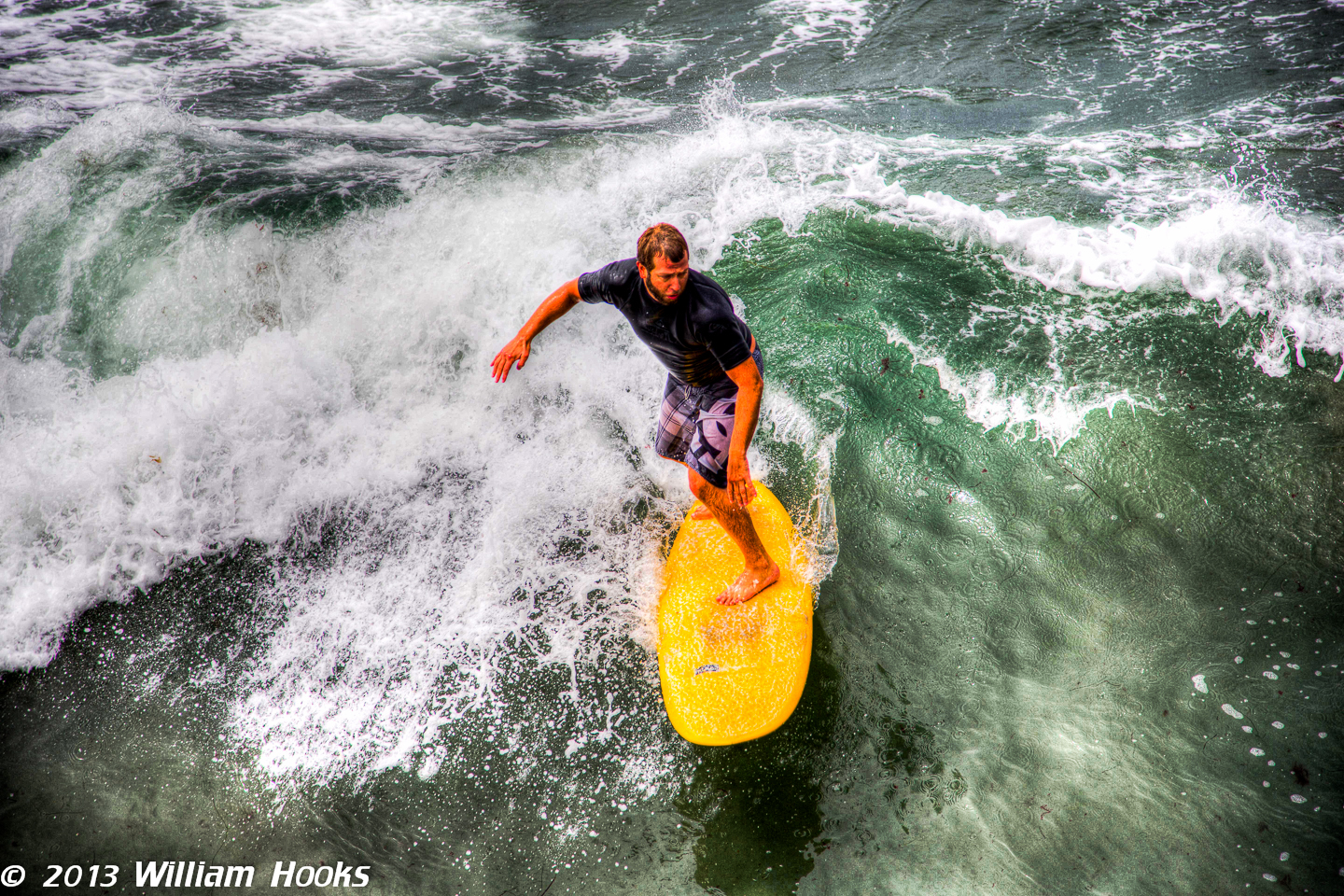
Just finished my first-ever HDR video short, using After Effects and Photomatix Pro before sending to Premiere Pro for final post-processing including adjustment layers. I’m excited to apply this method in future projects.
This clip was graded with an amber look. I mean, come on- Halloween’s in a few weeks.
Advantages over just renting or otherwise using Magic Lantern on SD card:
-I can use both cards as usual, allowing backup of video capture for example
-no modification at all to the camera, and no additional cost for ultra-CF cards
-no risk of malfunctions
-the workflow is independent of the number of cameras used, and the shot list is unchanged (if you like)
-I find that Photomatix Pro gives precise, powerful control over a huge variety of HDR and tonemapping options which can be applied to both photography and video- and I already had the program. This includes the important ability to
do B/W HDR simply by creating the appropriate preset
I see using this method to create segments of HDR in a piece, more often than for generating an entire HDR universe for a narrative film. I might feel more comfortable with the latter if I had more robust computing power, but so far I’ve been doing my projects with a laptop.
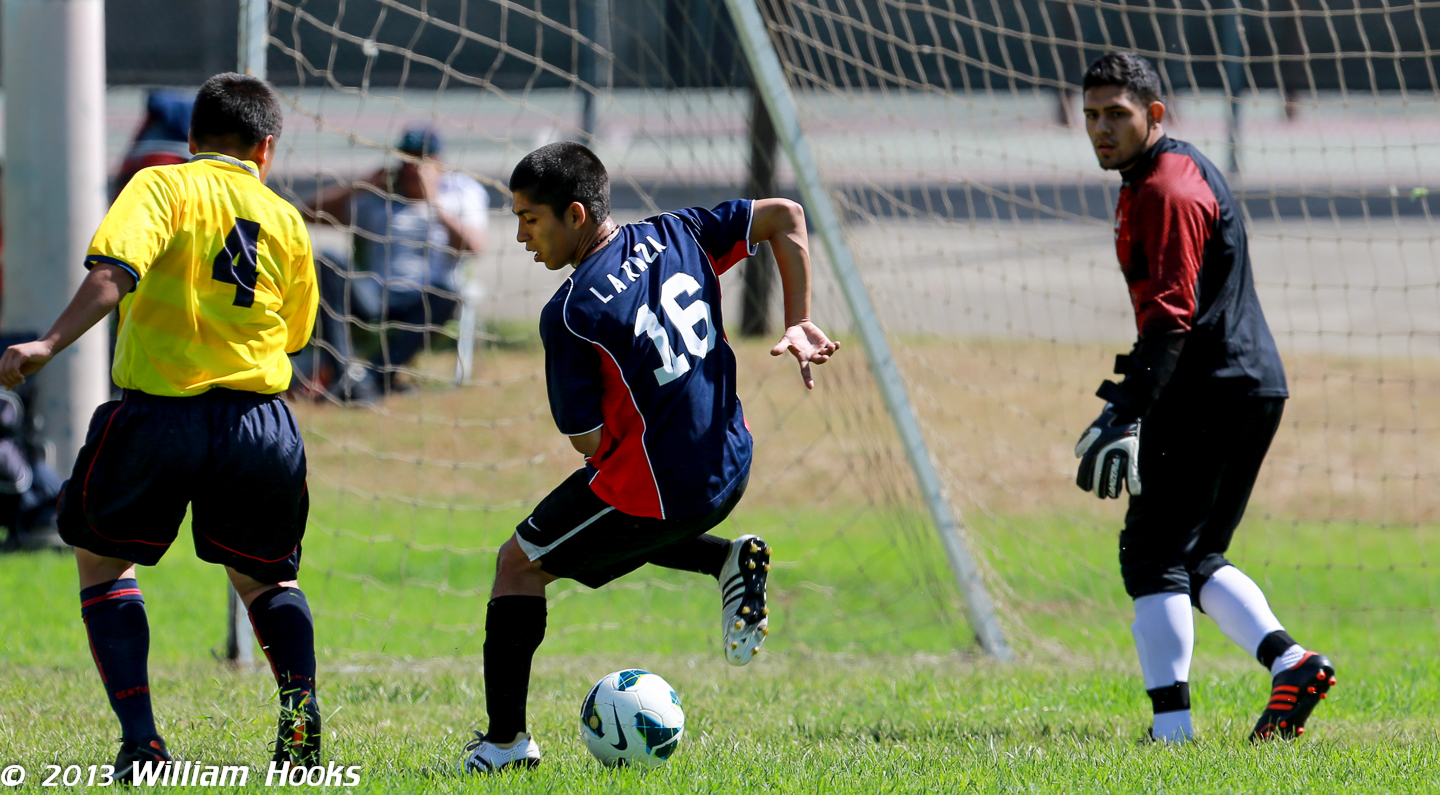
I’d love to have a deeper buffer and 10-12 FPS as on the Nikon D4 and Canon 1DX, but otherwise I find the 5D3 very practical for shooting high action sports with careful planning. I try to be pretty selective about positioning the camera, and timing to take maximum advantage of the bursts
I can produce. I used a 400mm f/2.8 L IS lens this weekend.
I use the method of selecting “image sequence” box in lower left corner of import window for THE FIRST IMAGE ONLY, to convert the photo set of images into a video sequence in Premiere Pro. This can be easily confirmed by checking for the filmstrip icon next to the file, in the LIST view mode of the Project panel.
Advantages of this workflow:
1- No additional software needed; I use LR Timelapse 3.1 (LR= Level Ramp) for certain more advanced work, but only the free trial version which limits to 400 images and it’s much less intuitive.
2-I can employ all the power of the entire Adobe Master Collection for post, including PS for graphics, AE for motion graphics, Audition for added sound/music, etc- just as for any other video project. No change in GUI.




 William Hooks
 maximpactphotography